09.07 Texturing and Rendering In Class Exercise
On this page
Assignment Deliverables
- Render Image 1
- Label file YYYY-MM-DD Lastname Firstname Render Image 1 (
.png,.jpg)
- Label file YYYY-MM-DD Lastname Firstname Render Image 1 (
- Render Image 2
- Label file YYYY-MM-DD Lastname Firstname Render Image 2 (
.png,.jpg)
- Label file YYYY-MM-DD Lastname Firstname Render Image 2 (
- Blender
.blendfile with packed resources or Upload Maya scene archive.zip- Label file YYYY-MM-DD Lastname Firstname 3D Scene (
.blend,.zip)
- Label file YYYY-MM-DD Lastname Firstname 3D Scene (
Assignment Overview
3D models used in rendering are boring and nondescript without textures and colors. These can be enhanced with physical based materials.
Requirements
- Minimum of 2 render images each of a a UV unwrapped and textured object in Blender or in Maya
- Minimum of 1 object mesh with more than 6 faces in scene
- Minimum of 1 use of each of the following (Texture Image, Bump)
- Minimum of 1 light source
- Render 2 different camera views of the scene at a minimum 1920x1080 or 3840x2160 (.png or .jpg)
Process
- Create a 3D polygon model with more than 6 faces. (You can use meshes from 3D scans or from photogrammetry scans or exported models from Autodesk Fusion.)
- UV unwrap an object mesh.
- Use the image textures provided below, images textures from online sources, or create your own image textures.
- Polyhaven.com is a great source for image textures, mesh objects, and HDRIs for rendering.
- BlenderKit has many textures and 3D mesh objects available.
- Substance Painter
- Apply the a diffuse / color image texture.
- Apply a bump map image texture or normal map image texture.
- Ensure the textures wrap around the object without stretching.
- Add additional mesh objects to the scene.
- Add a light source.
- Render 2 different camera views.
Texture Images
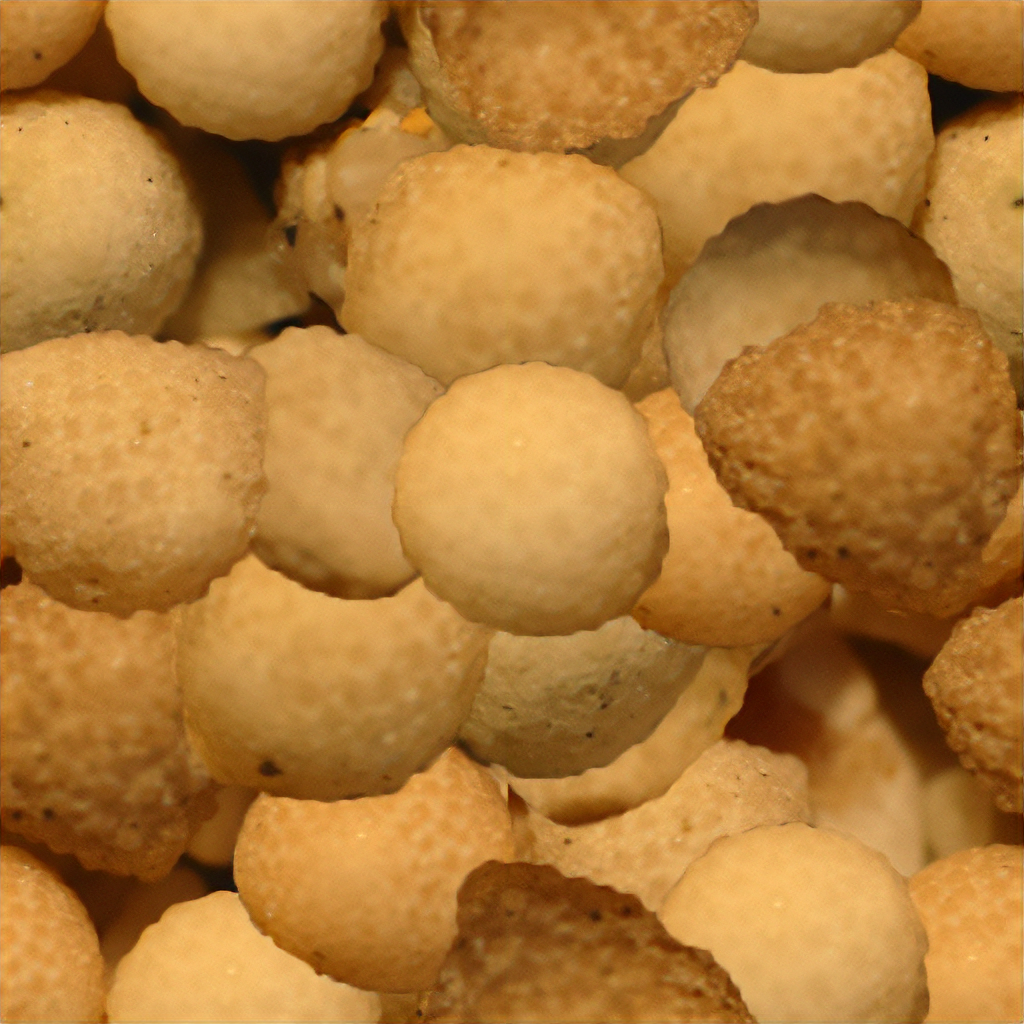
Texture Image
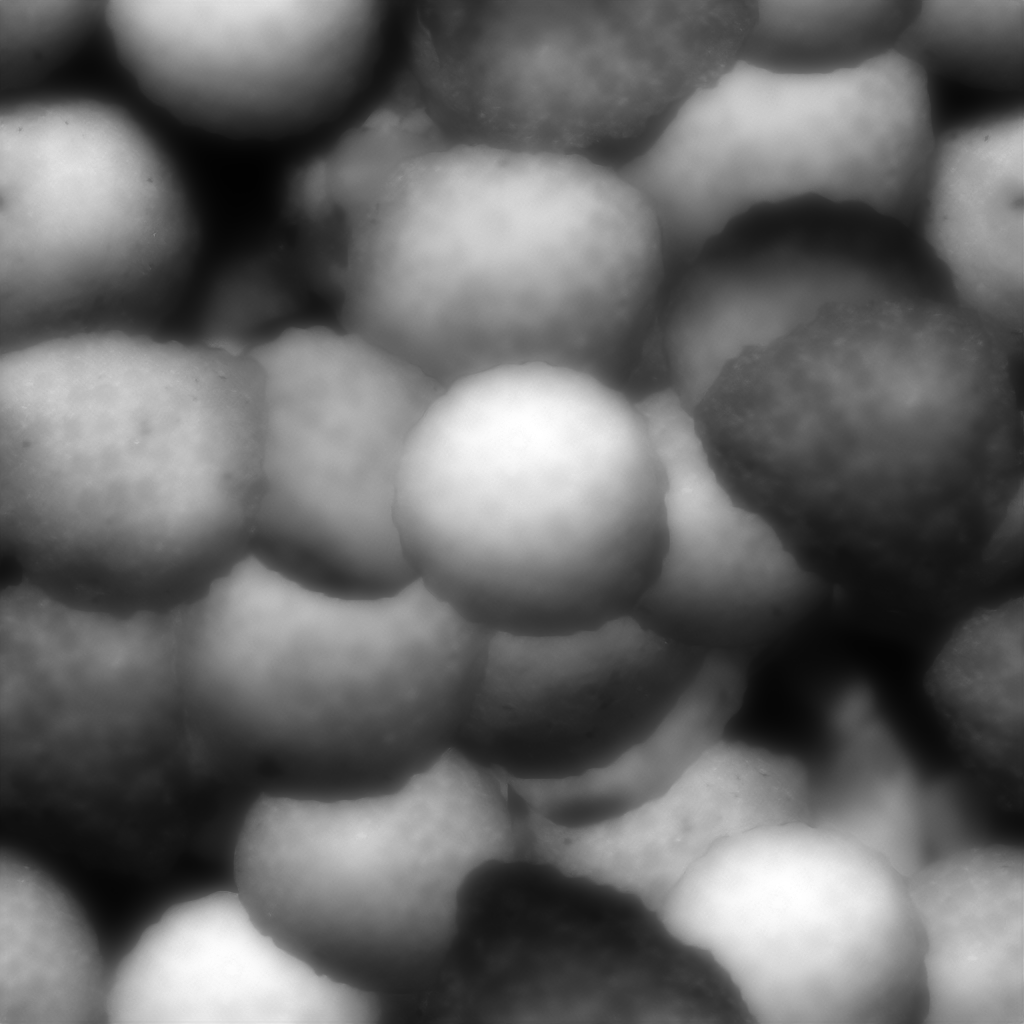
Bump Map
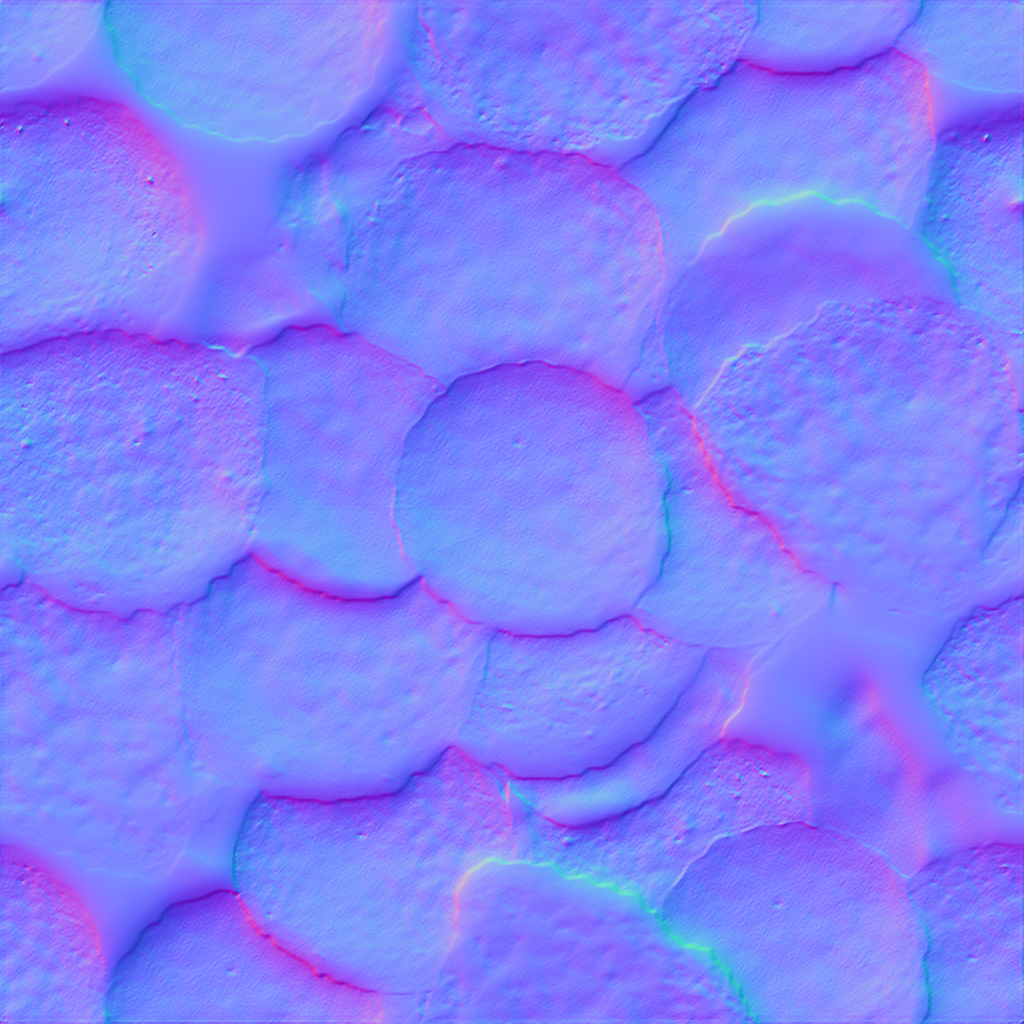
Normal Map
Assignment Resources
Video Tutorials
Maya UV in Class Exercise
Blender UV in Class Exercise
Maya HDRI Image
Blender HDRI Image
Grading Rubric
| Assessment | Weight |
|---|---|
| More than 6 faces on object in 3D scene | 20 |
| Use Texture Image + Bump Map on material | 20 |
| Minimum of 1 light source | 20 |
| Render 2 different camera views | 20 |
| Upload Blender .blend file with packed resources or Upload Maya scene archive .zip | 10 |
| File Management and Labeling | 10 points |