08.03 Maya 3D Modeling
On this page
Maya User Interface Quick Start
The videos below go over the Maya user interface and the basic polygon modeling tools. If you have not used Maya, this is a good place to start.
Maya is a 3D modeling program that can be overwhelming at the start but like any software, becomes much easier and understandable with a bit of use. The official Maya Help Documentation is a great place to get started with the basics of Maya as well as explore advanced topics.
Maya Keyboard Shortcuts 1
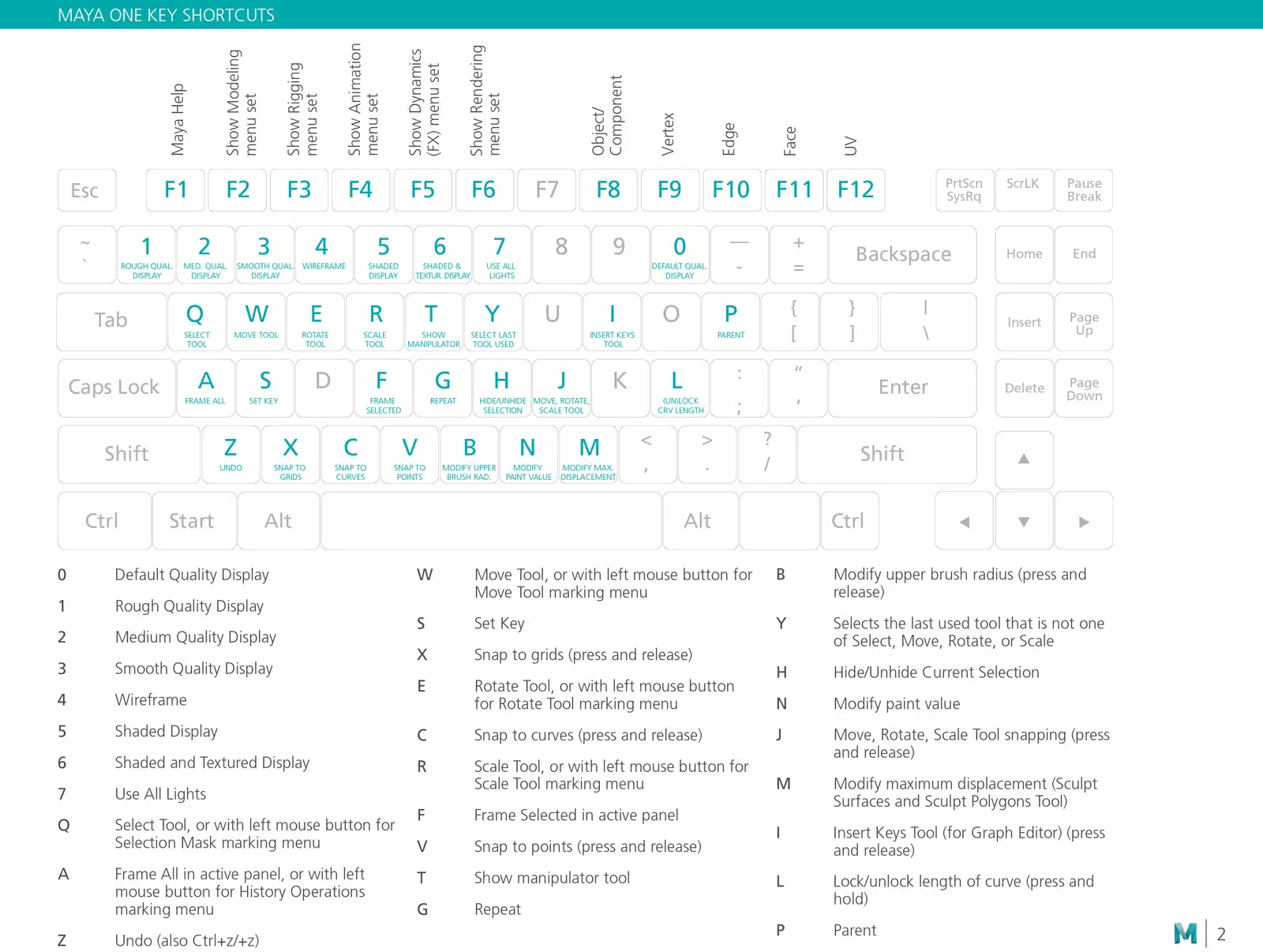
Essential Maya Keyboard Shortcuts
| Maya Key | Action |
|---|---|
| Q | Select |
| W | Move |
| E | Rotate |
| R | Scale |
| a | Frame all |
| f | Frame selected |
| f8 | object mode |
| f9 | vertex mode |
| f10 | edge mode |
| f11 | face mode |
Maya Mouse Controls
| Mouse Control | Action |
|---|---|
| alt (option) + left mouse button | orbit camera |
| alt (option) + middle mouse button | pan camera |
| alt (option ) + right mouse button or scroll wheel | zoom camera |
Maya Introduction
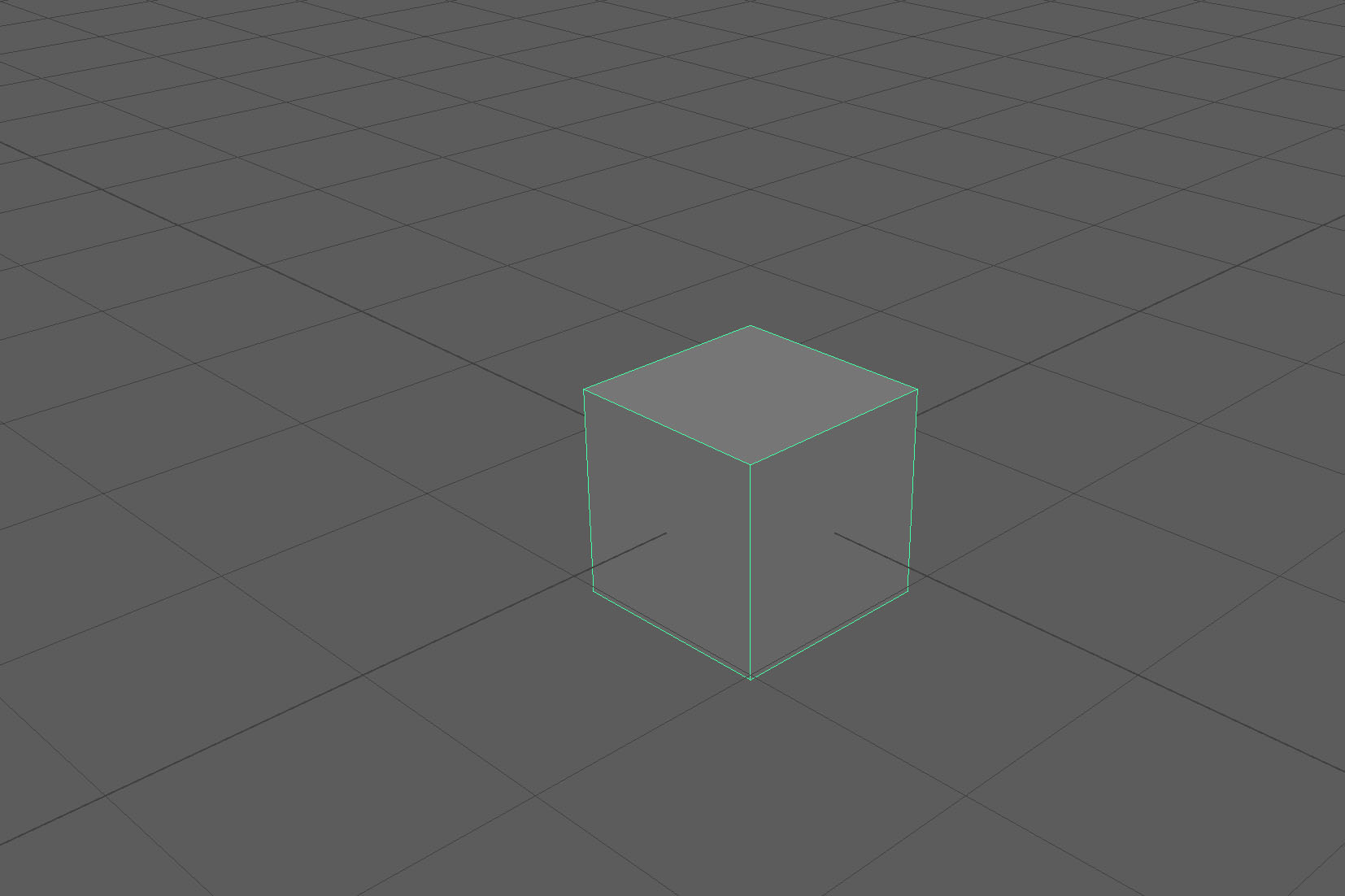
Maya Default Scene with cube
- Maya User Interface
- Change Units in Maya
- Maya Polygon Modeling Tools
- Maya Hole in a Cube
- Maya Beginner Polygon Modeling Tutorial
Maya Basic Modeling
- Maya Move Objects
- Maya Merge Vertices
- Maya Mirror Tool
- Maya Object vs Face vs Edge vs Vertex Mode
- Maya Extrude
- Maya Freeze Transformations