05.06 Lay Out Parts Flat for Laser Cutting
On this page
Once your model is complete and each piece is a separate and labeled component, you are ready to lay your pieces flat to create a DXF toolpath file for the laser cutter.
- Draw a sketch to represent your plywood or acrylic sheet. Make the dimensions of the sketch the size of your material. If you are using larger plywood or acrylic then draw a larger sketch. If you are using a “remnant” or cutoff piece then draw your sketch to that size.
- Then use the Arrange command to lay your parts flat.
- Follow the instructions to arrange your parts flat.
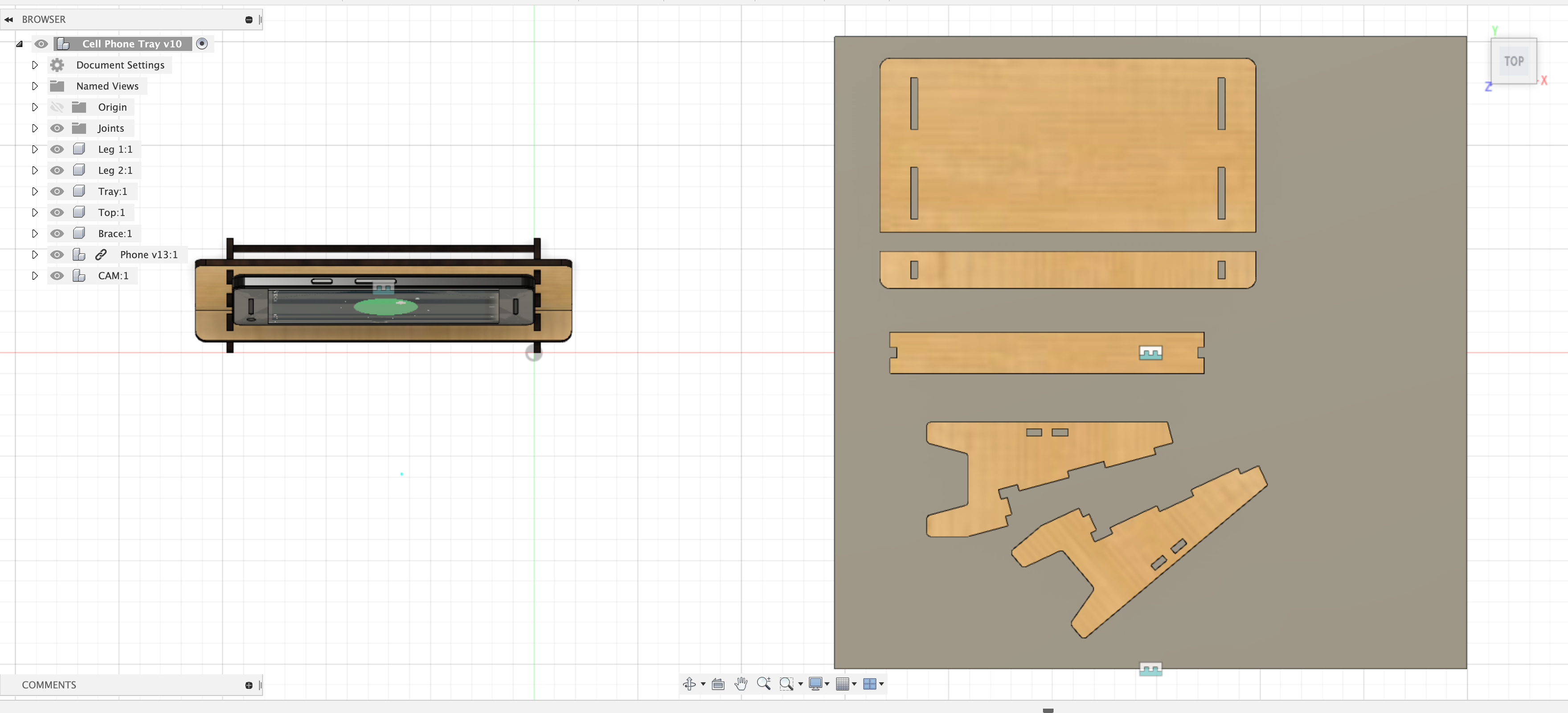
Top view of components of laser cut stand flat on plywood.