02.10 Model Example Object in Autodesk Fusion and Export Render Image
On this page
Assignment Deliverables
Upload the following:
- 1 high resolution render image of a modeled example object
- (1:1, 4:3, 16:9 aspect ratio, 4000px minimum largest side)
- Label the file YYYY-MM-DD Lastname Firstname Render Image of Example Model (
.png,.jpg)
- 1 exported Fusion
.f3d3D model file- How to export .f3d File
- Label the file YYYY-MM-DD Lastname Firstname Fusion Example Model File.f3d
Instructions
- Choose 1 of the example objects from the Fusion modeling demo videos. The choice is up to you.
- Follow along and make the 3D model using the techniques in the video.
- Setup and compose a render scene.
- Render the image, save it, label it, and upload it
- Export a.f3d file of the model from Fusion, label it, and upload it.
You can put any materials you want on the models to make interesting renders, but should try your best to make them the same size and shape.
Fusion 360 Example Modeling Videos
Screwdriver
USB Plug
Toy Block
Drinking Glass
Binder Clip
Padlock
Grading Rubric
| Assessment | Weight |
|---|---|
| Object Form and Proportions match example model | 30 points |
| Material Applied | 20 points |
| Render Exported | 20 points |
| Render Composition | 20 points |
| File Management and Labeling | 10 points |
Examples of Fusion 360 Renders of Example Objects
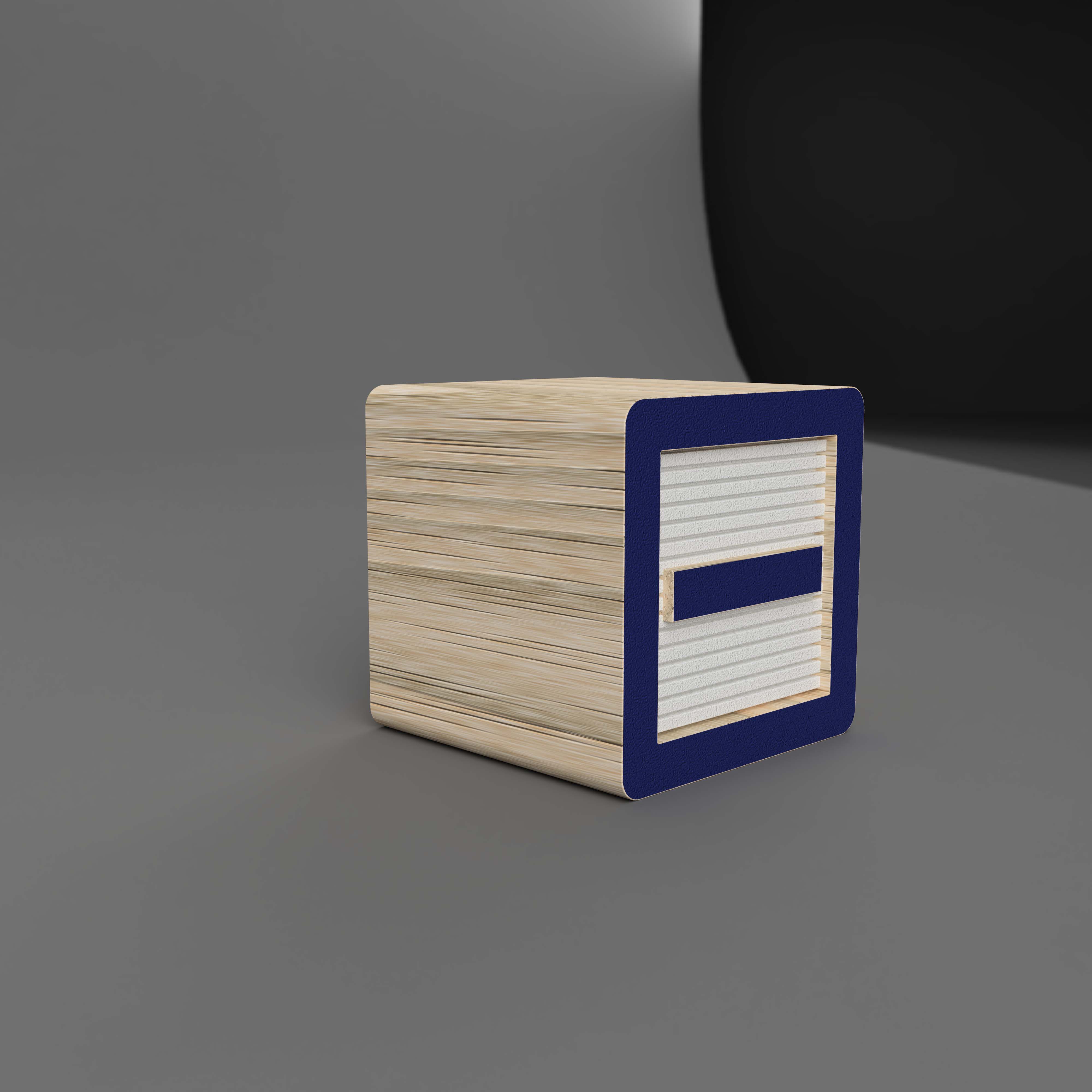
Toy Block with Environment
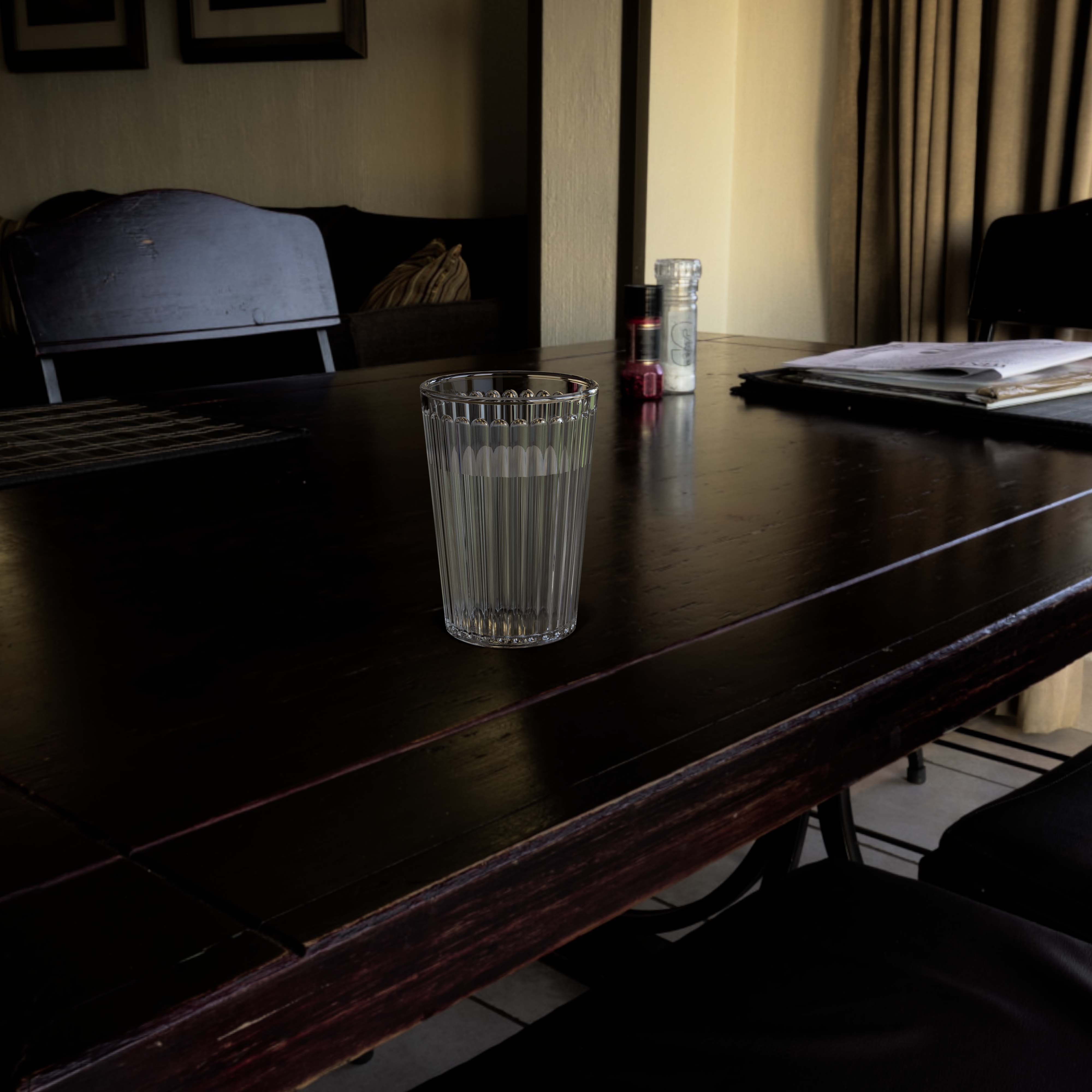
Drinking Glass with Custom HDRI
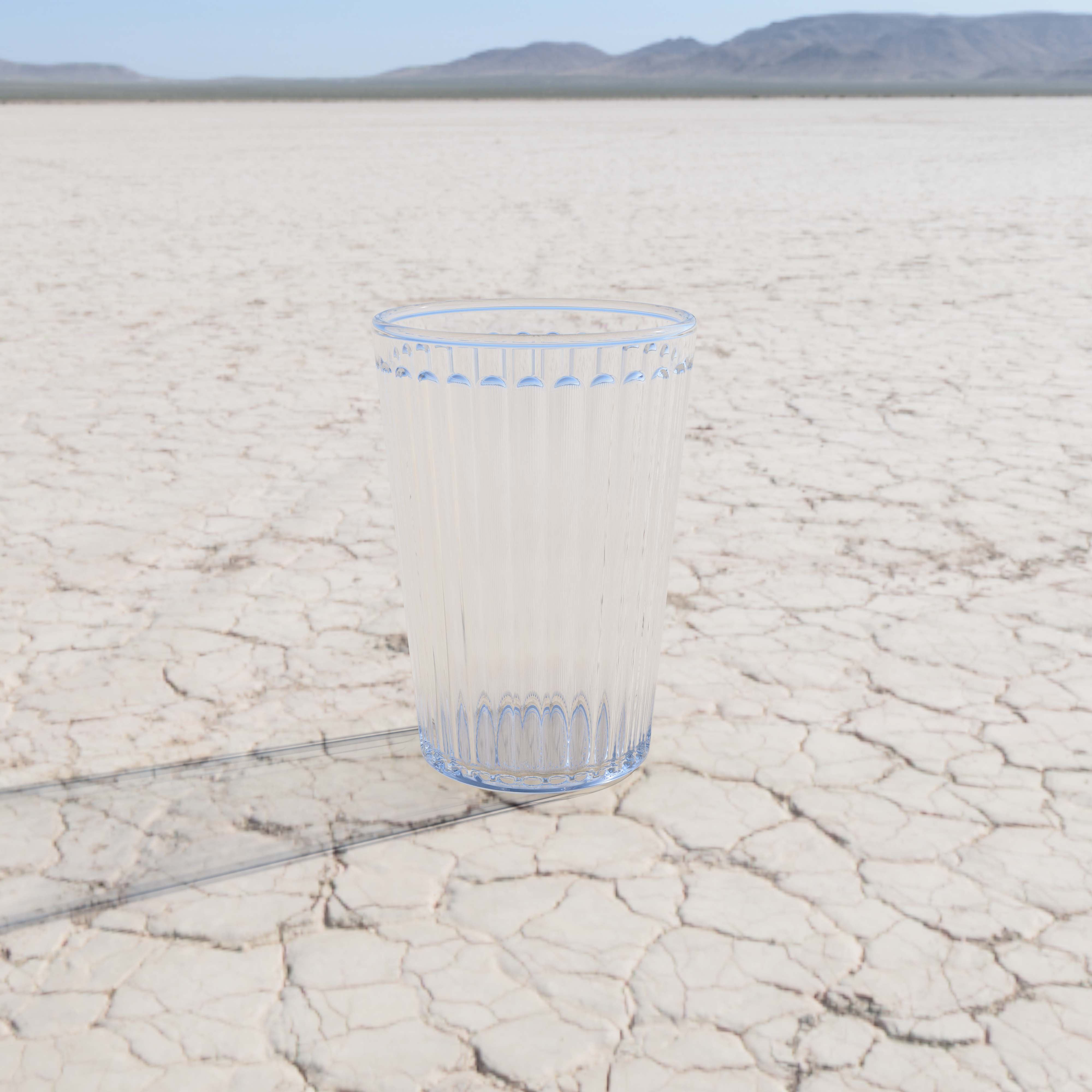
Drinking Glass with Environment
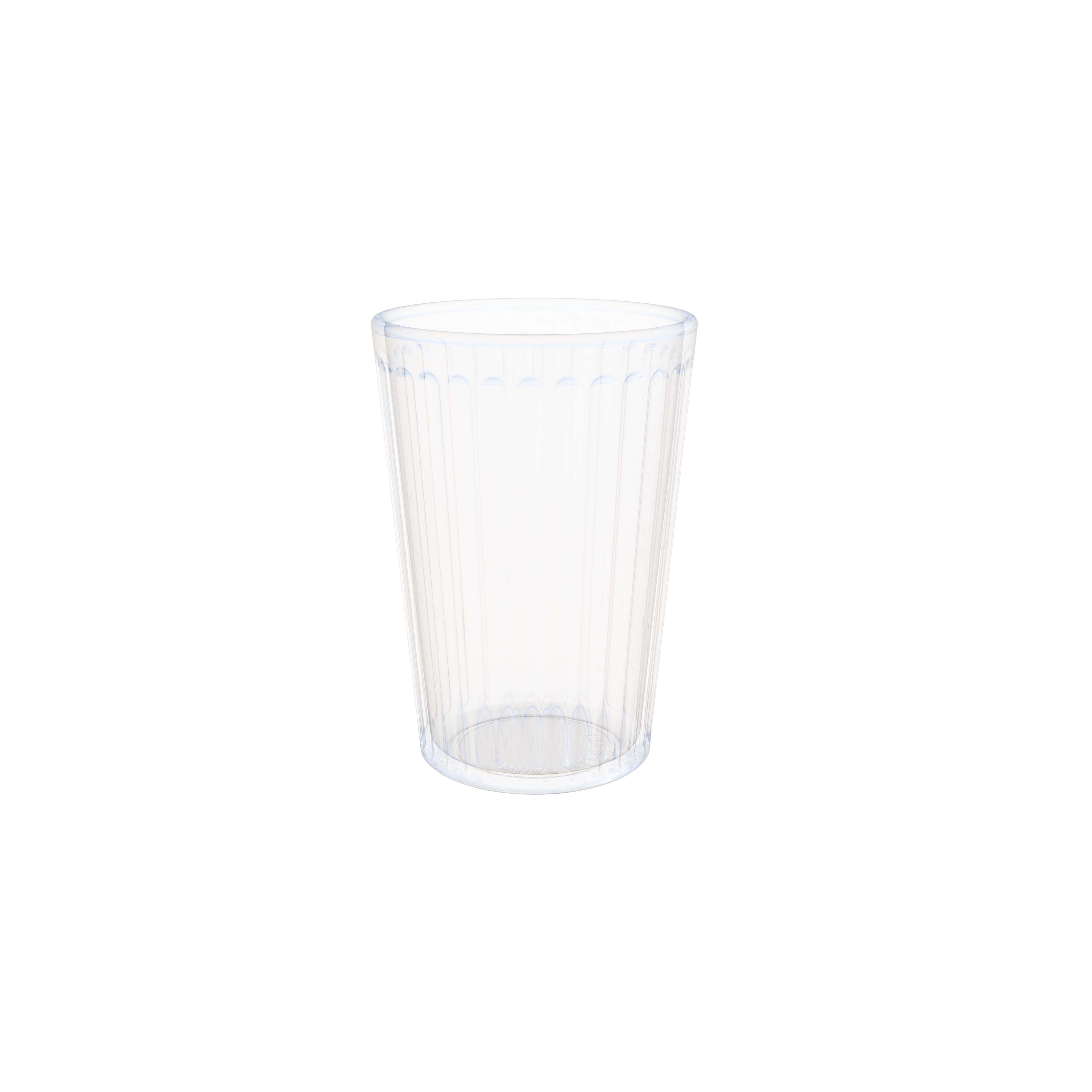
Drinking Glass with Transparent Background
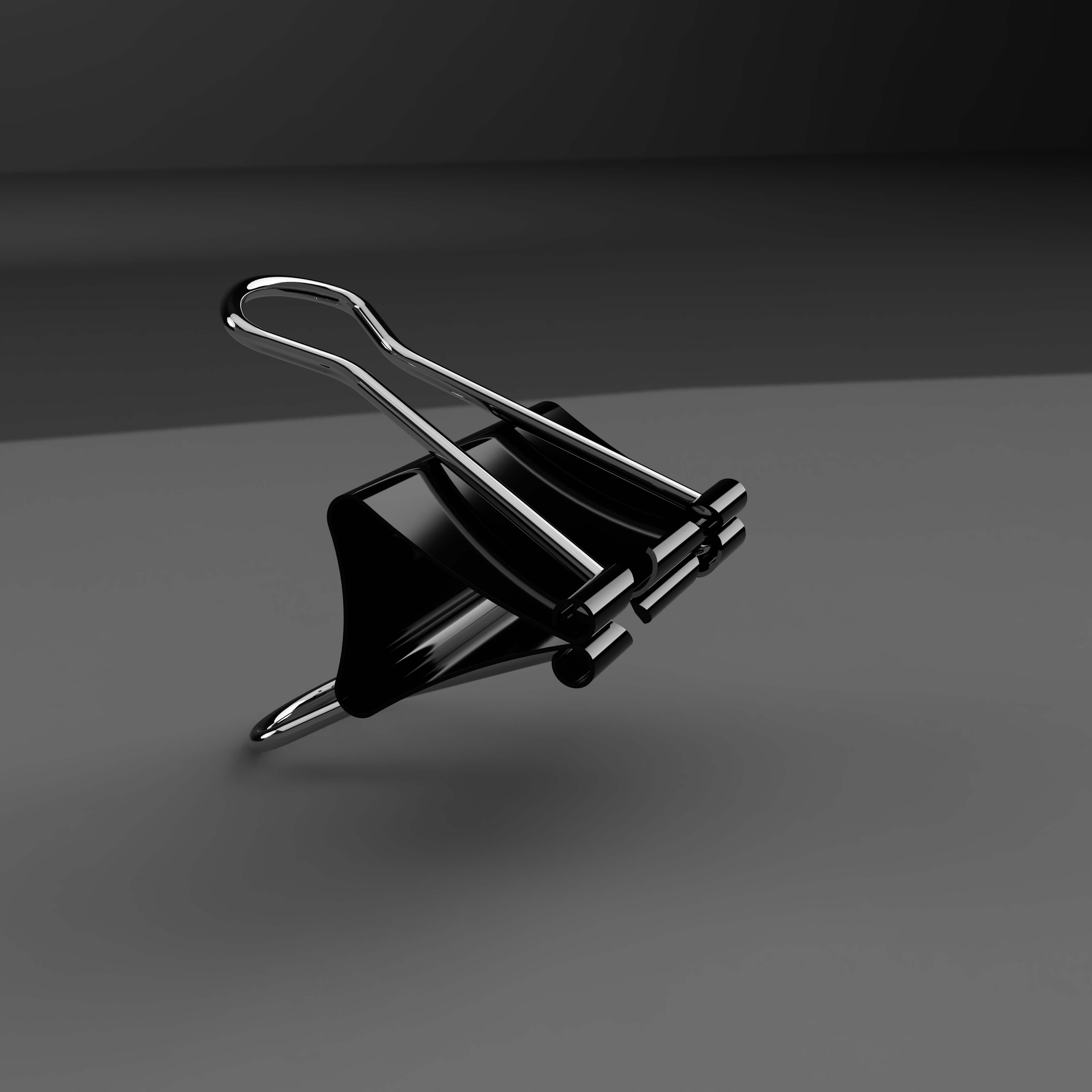
Binder Clip with Environment
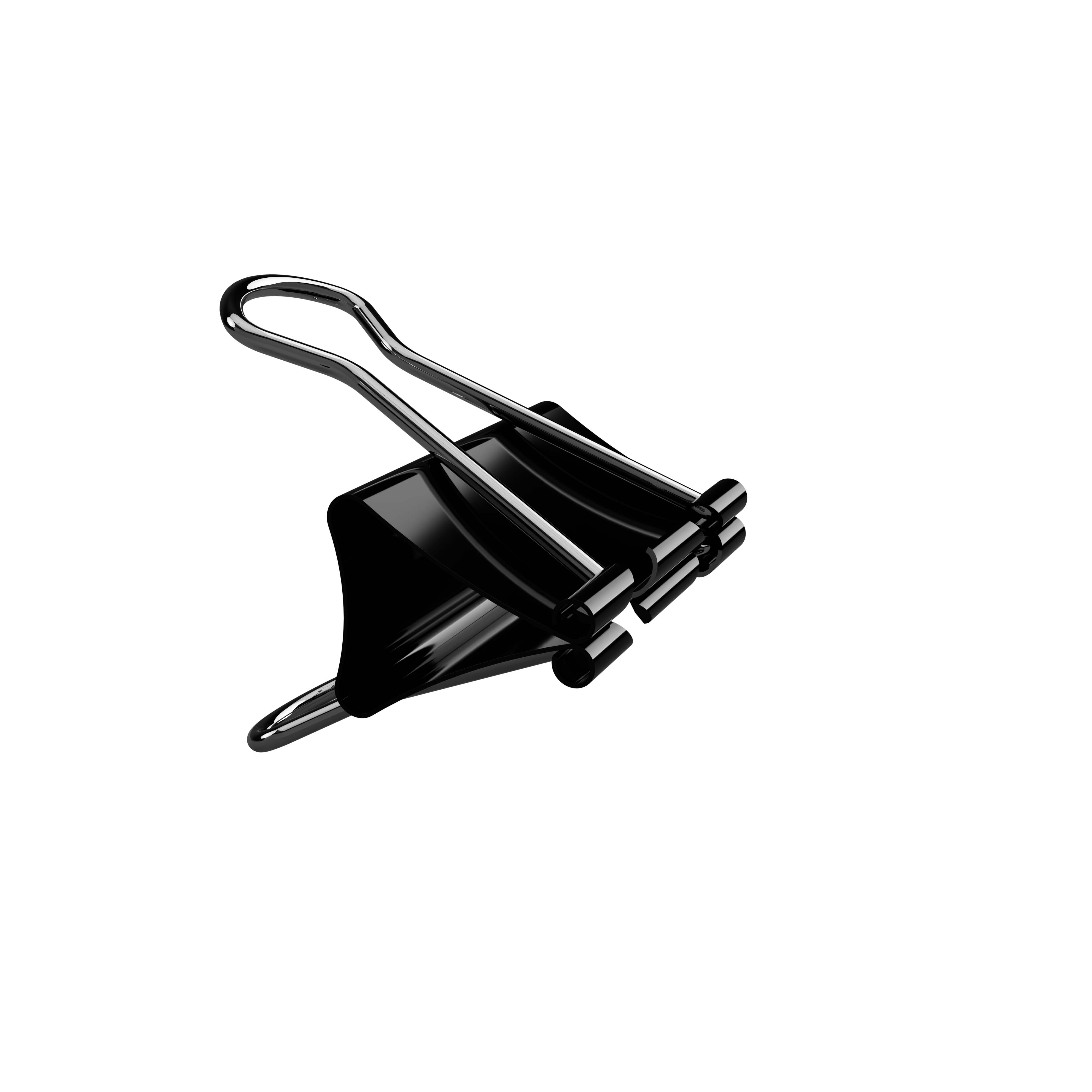
Binder Clip with Transparent Background