06.03 Blender 3D Modeling Basics
Blender is a 3D modeling program that can be overwhelming at the start but like any software, becomes much easier and understandable with a bit of use. The official online Blender Reference Manual is a good place to learn the basics and investigate advanced topics.
Blender Keyboard Shortcuts
Blender Essential Keyboard Shortcuts
| Blender Key | Action |
|---|---|
| B | Select |
| G | Move |
| R | Rotate |
| S | Scale |
| HOME | Frame all |
| ~ tilde or NUMPAD . (can be customized) | Frame selected |
| tab | toggle edit / object mode |
| 1 | vertex mode |
| 2 | edge mode |
| 3 | face mode |
Blender Mouse Controls
| Mouse Control | Action |
|---|---|
| middle mouse button | orbit camera |
| shift + middle mouse button | pan camera |
| scroll wheel | zoom camera |
Blender Default Cube
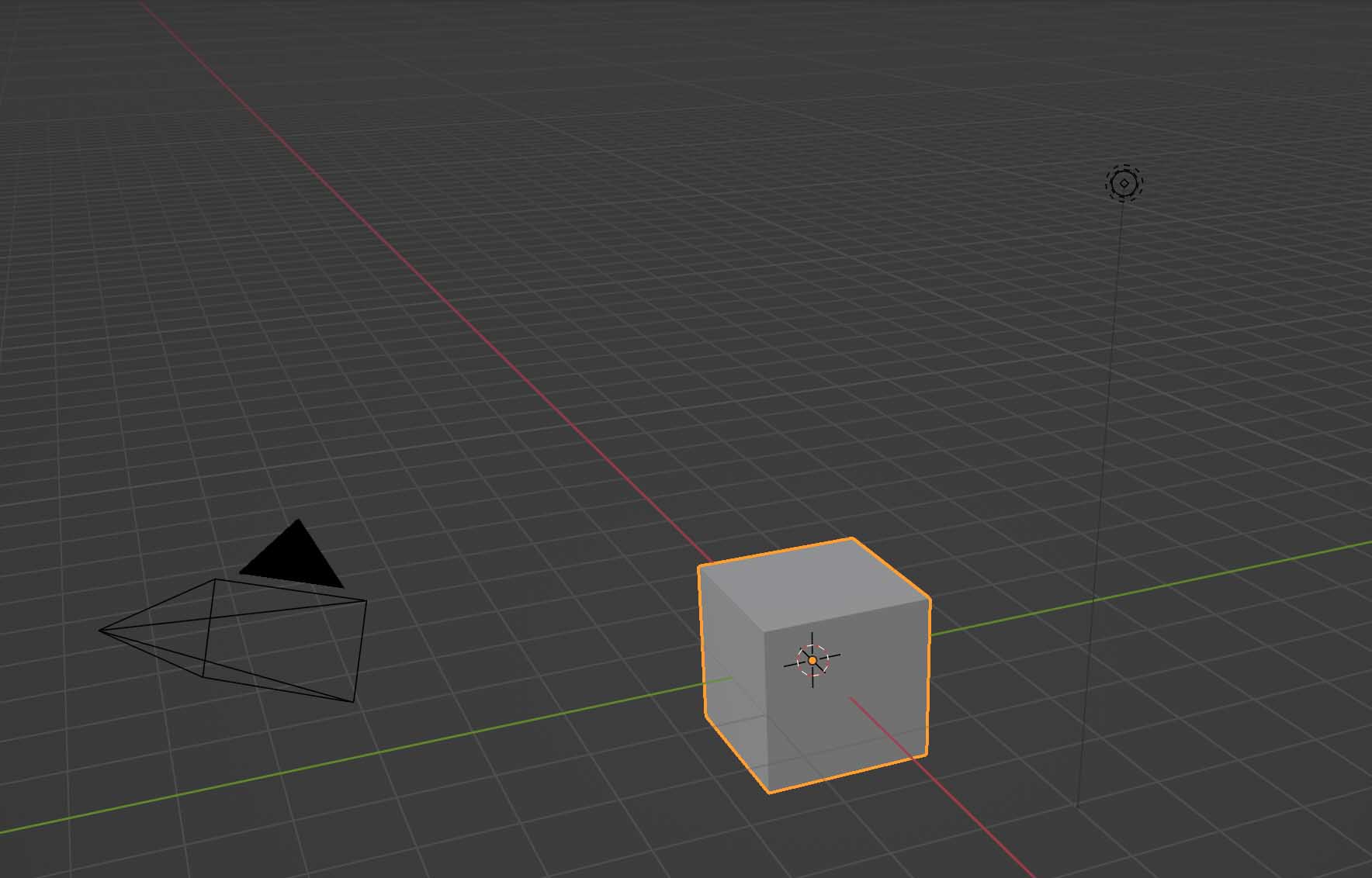
Blender Default Scene with cube
Blender Basics
Start here if you are new to Blender. These videos cover the essential interface, navigation, object and edit modes, and the basic tools for moving, rotating, scaling, and duplicating objects. You do not need to memorize every command. Focus on becoming comfortable navigating the 3D viewport and manipulating objects.
Basic Mesh Modeling in Blender
Mesh modeling changes the actual geometry of a 3D object. These videos introduce common techniques for editing vertices, edges, and faces; joining and cutting geometry; and improving the appearance of modeled forms. Use these tutorials as needed when building or modifying your own 3D models.
Modifiers and Faster Modeling
Blender modifiers can create repeated, symmetrical, or more complex geometry without manually modeling every part. These videos demonstrate several tools that can speed up the modeling process as well as techniques for using reference images when constructing objects.
Scene / Production Utilities Blender
These tutorials cover additional Blender tools that are useful when preparing models for fabrication, rendering, or larger scenes. Learn how to work with real-world units, bring in existing assets with BlenderKit, and create editable 3D text.
Modeling From Reference
Working With Imported 3D Captured Models
Import 3D Head Scan Blender How to Convert Epic Games Reality Scan GLB to OBJ in Blender (Photogrammetry Export) How to Import a GLB into Blender How to Import an OBJ File into Blender Import 3D Scan Mesh into Blender - Artec LEO
How to Fix Missing Textures in Blender Photogrammetry Scans
How to Change the Rotation Point in Blender - Set Object Origin
Boolean Intersect Photogrammetry Scan Cleanup Blender
Blender 3D Printing: Reduce Triangles, Make Manifold, Export a Clean STL Blender Triangle Count Fast: Statistics Overlay + Shift D vs Alt D