On this page
These instructions show eligible students how to register for and Autodesk for Education account and install Fusion.
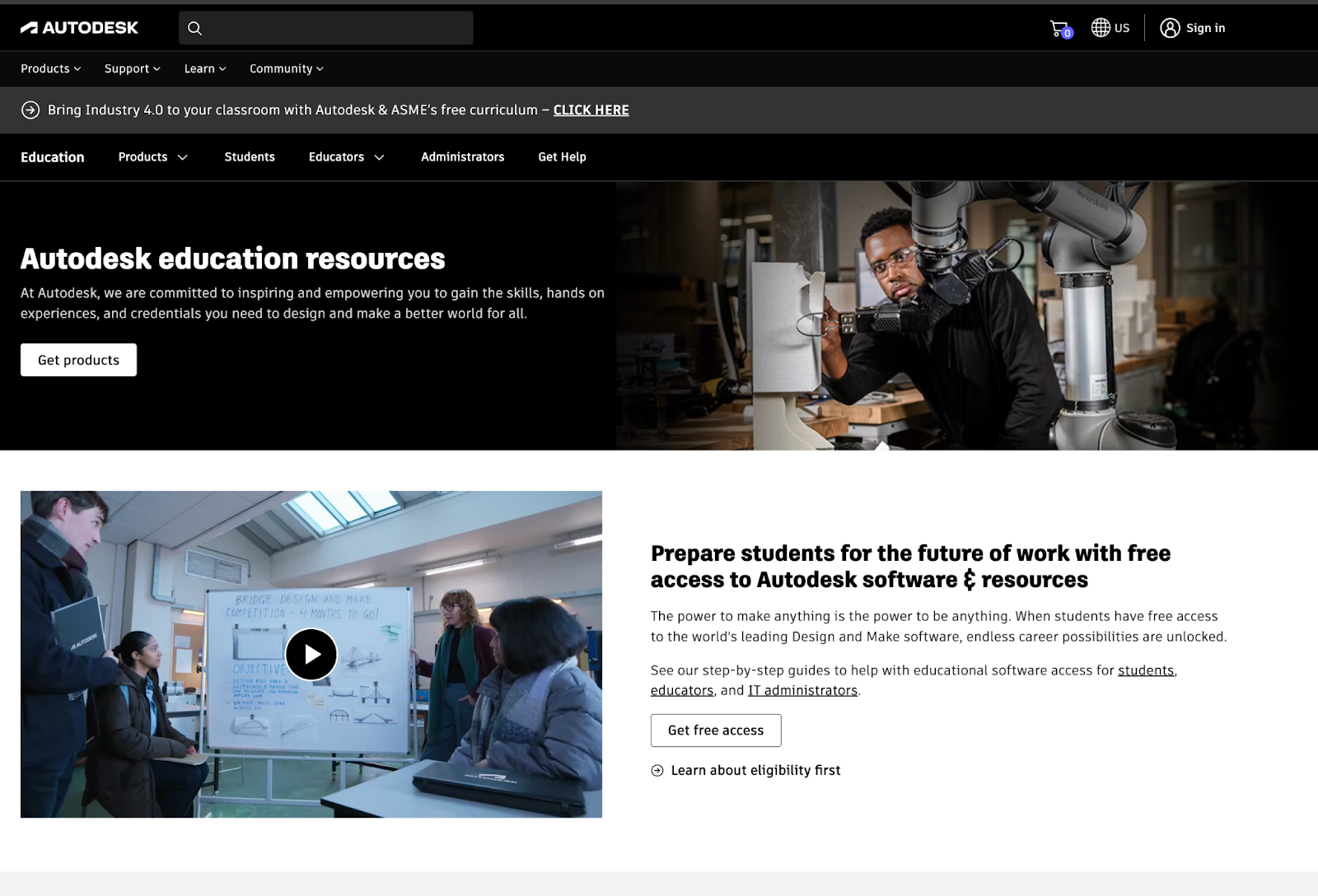
https://www.autodesk.com/education/edu-software/overview
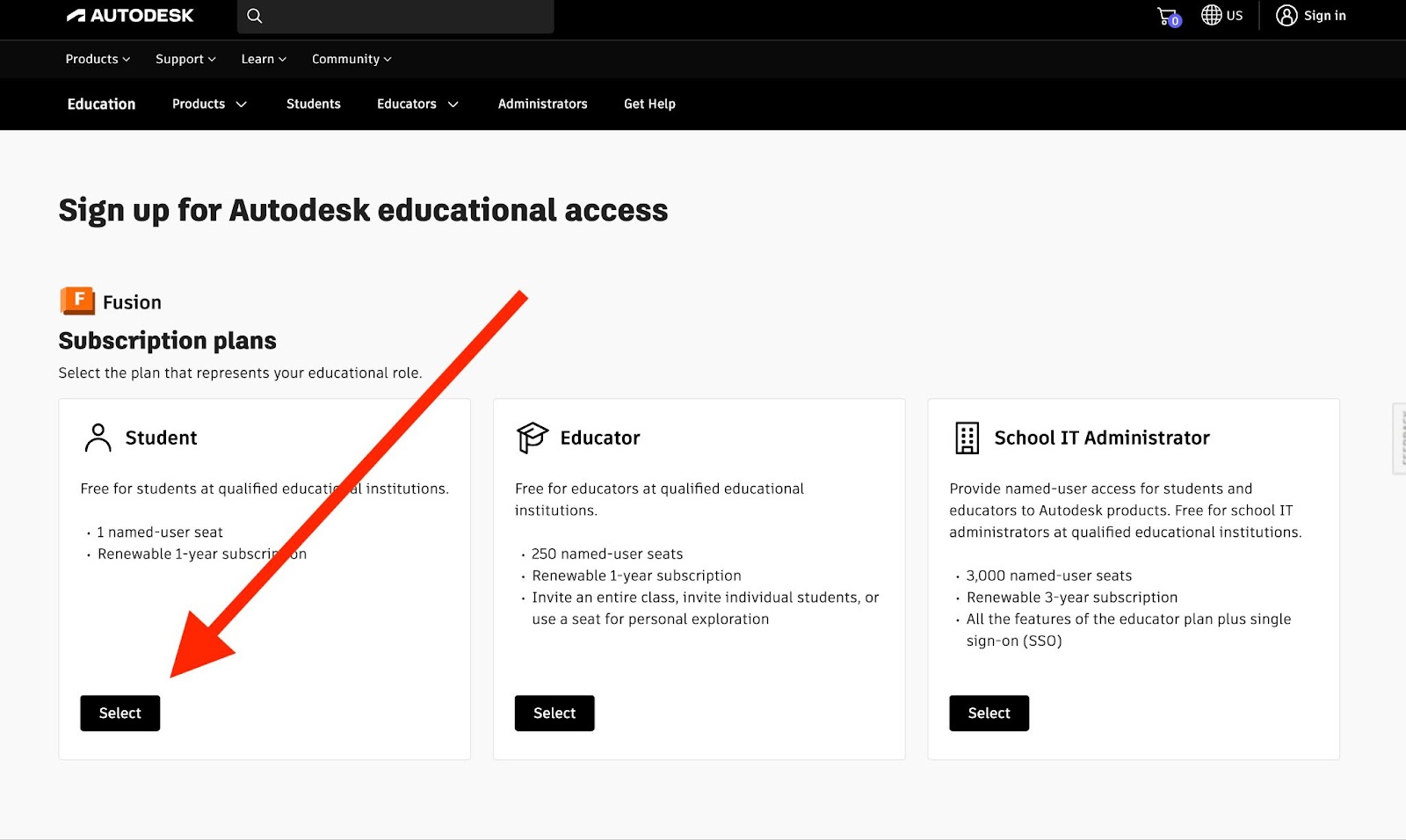
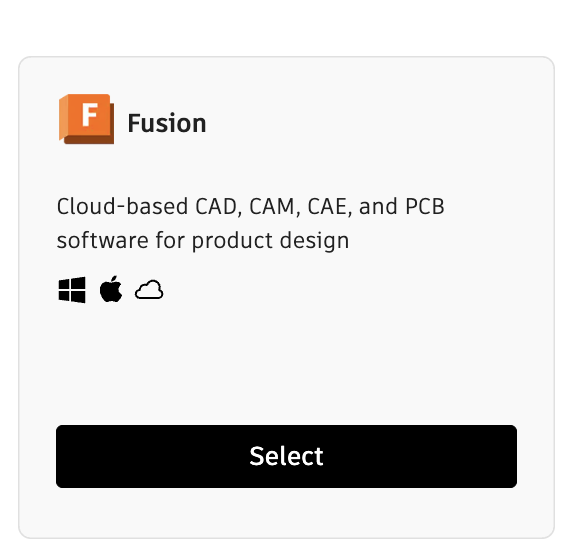
- Click on “Select” under Fusion

- Select “Student” for your subscription Plan
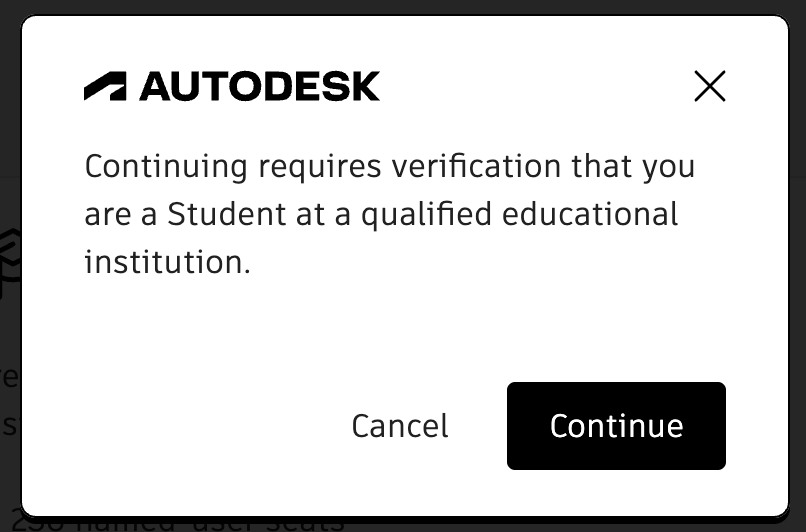
- Click “Continue” to move to account verification
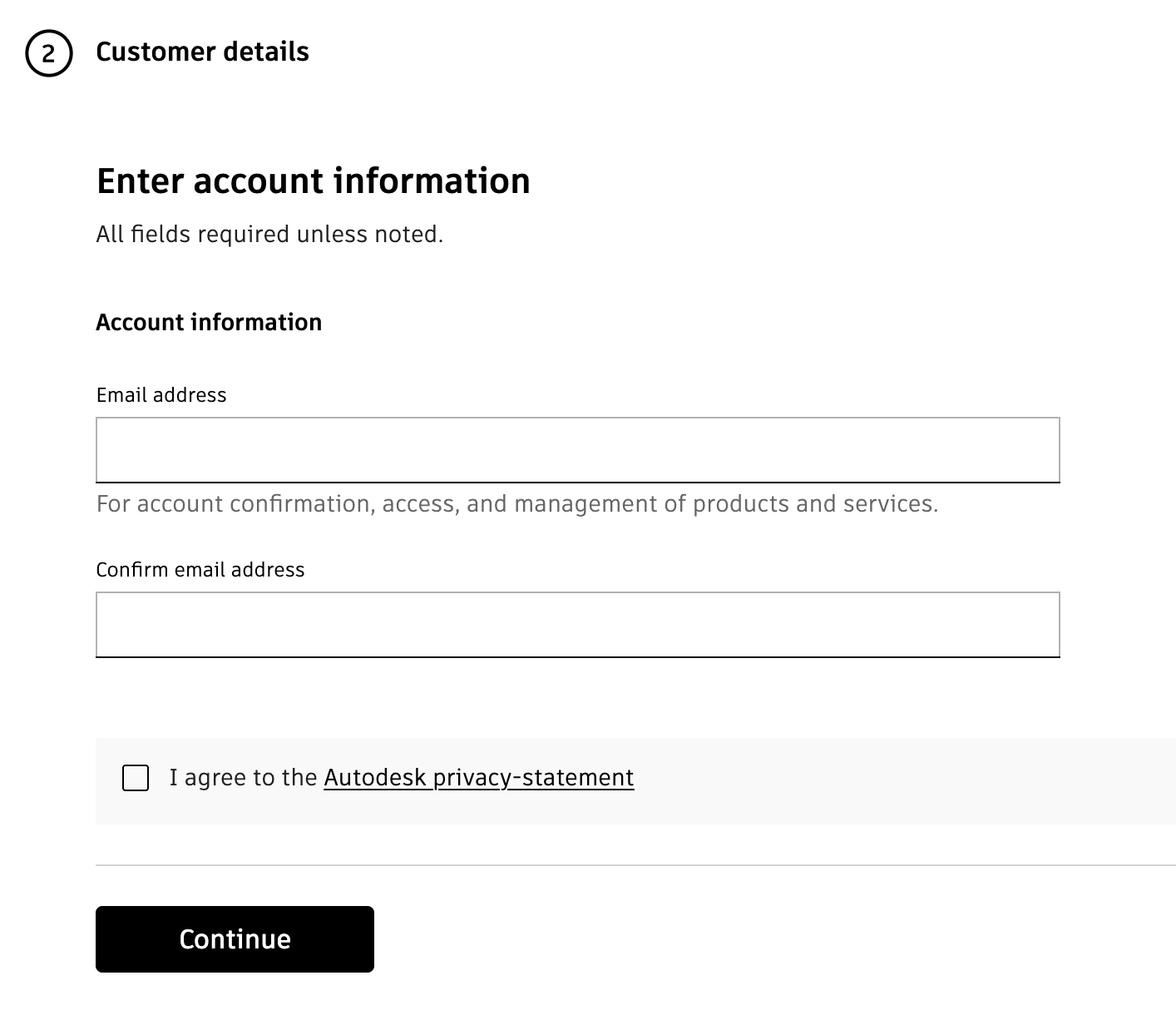
- Enter your student email. Do not use a personal email because Autodesk may not be able to verify your student access.
- Fill out the “Customer Details” to create an Autodesk Education Account
- Name
- Education Role = Student
- DOB

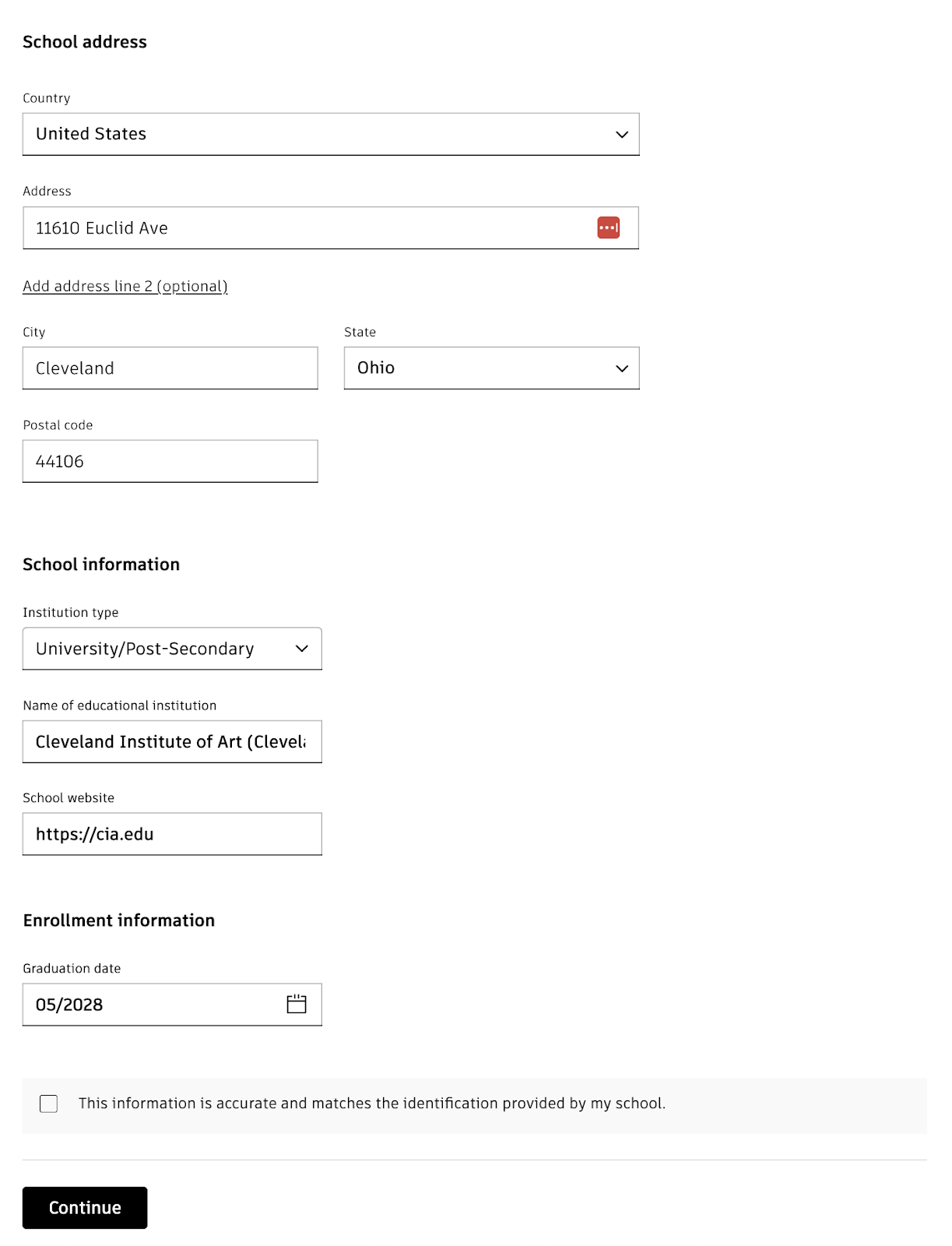
- Enter the information for your school. For example:
11610 Euclid Ave Cleveland, Ohio 44106
Institution Type: University/Post Secondary
Name: Cleveland Institute of Art
School Website: cia.edu
Graduation Date: 05/2029
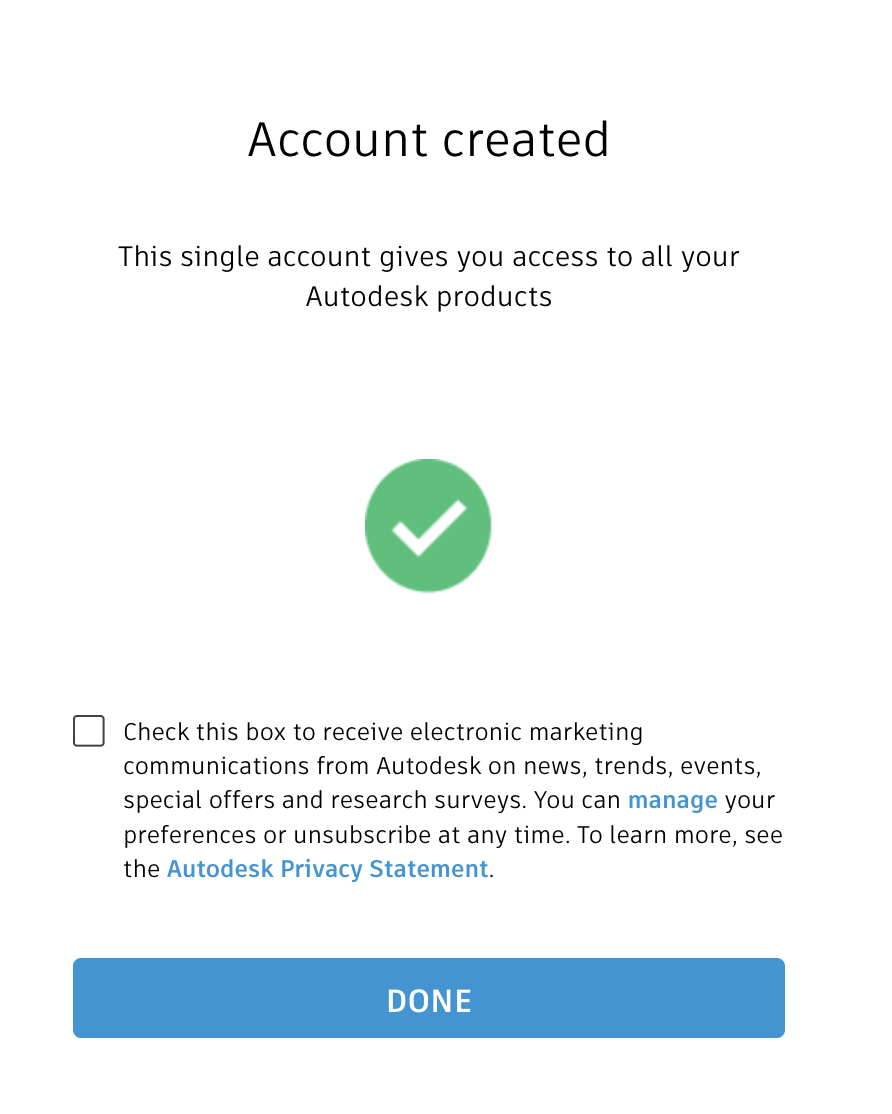
- Success.
Make sure to click on any confirmation emails to confirm your account
https://www.autodesk.com/education/edu-software/overview
- Click on Get Products
- Download and install Fusion
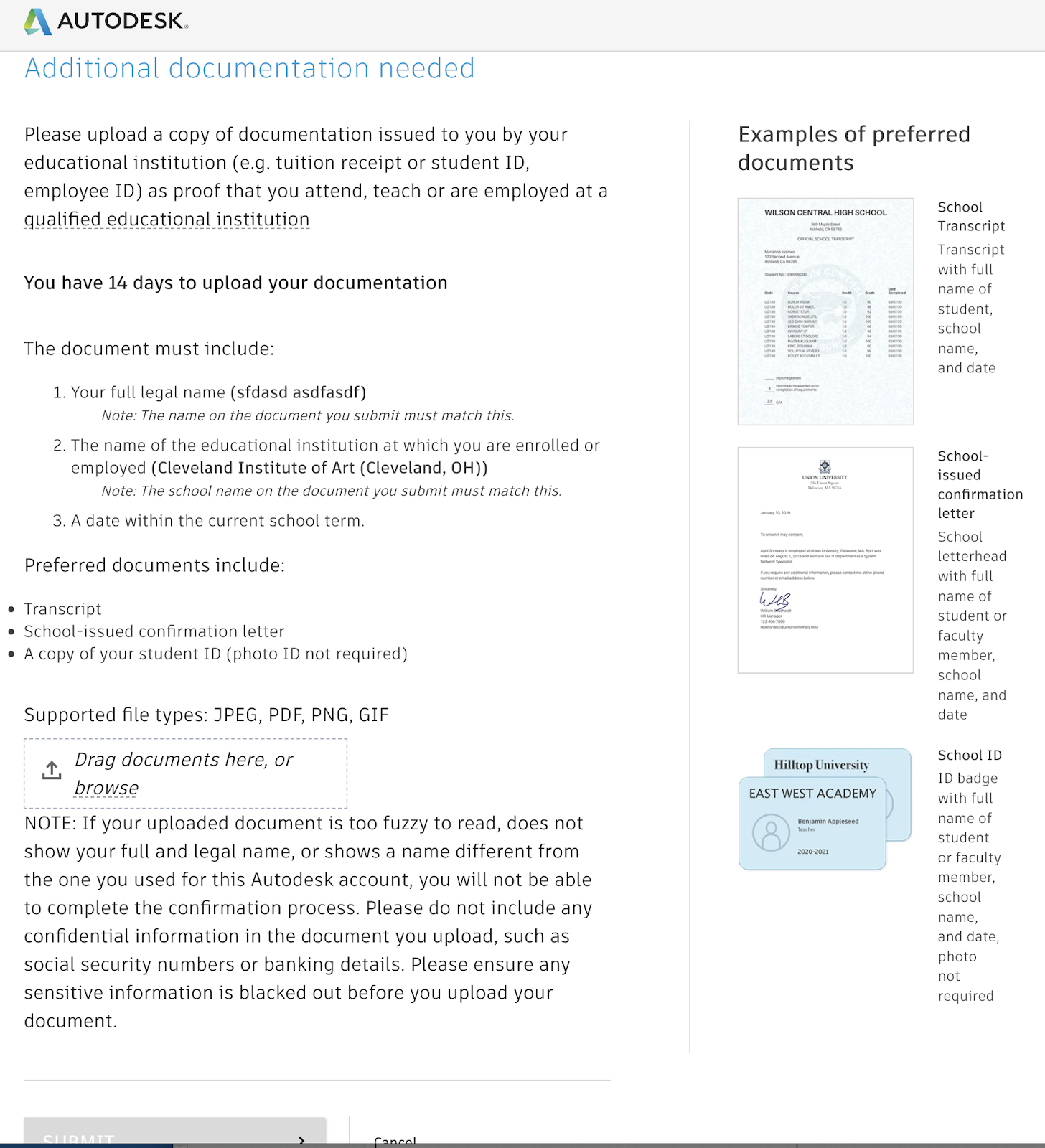
- If Autodesk cannot automatically confirm your student status they may ask you to upload a copy of your student id or a confirmation letter or a transcript
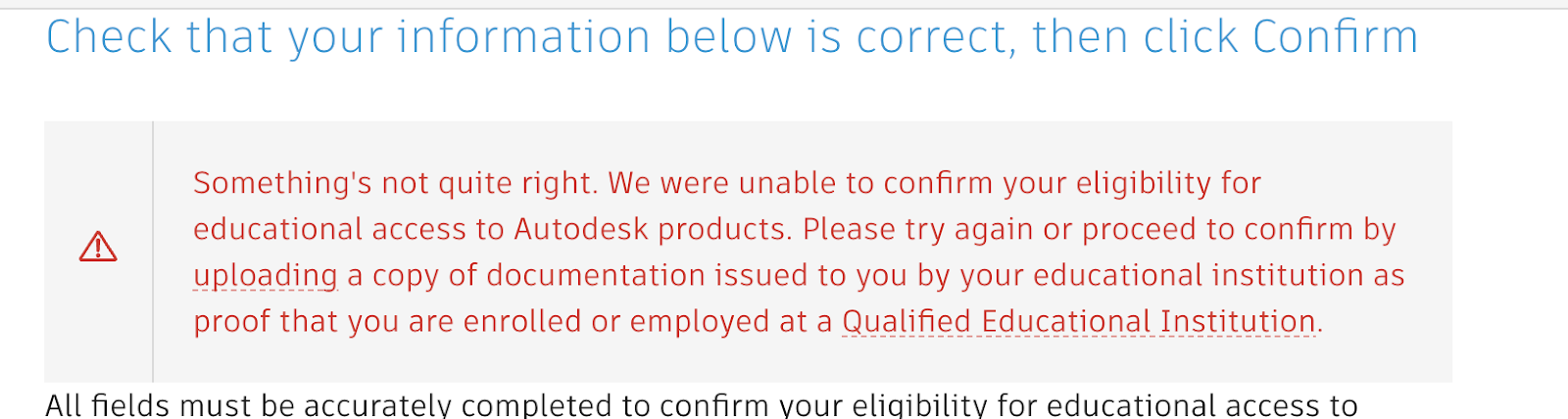
- Try to enter your info again for auto confirmation but if that doesn’t work, click on the link and upload identifying documentation.
Make sure to do this right away so you can use all the software in class.
Email any questions.
(Last Modified:
)